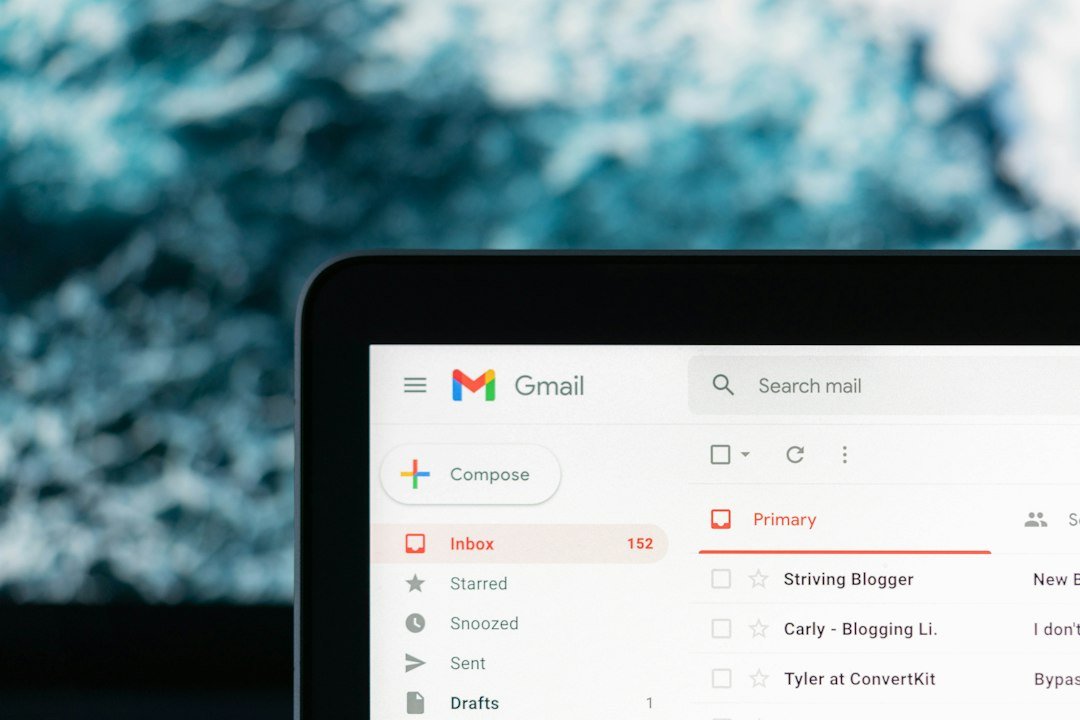
The difference between free Gmail and Google Workspace comes down to one question: who owns the account? Free Gmail is Google’s property. Google Workspace is yours. Every other difference, from storage to admin controls to support, flows from that single distinction.
Free Gmail vs Google Workspace: Quick Comparison
Here is the side-by-side breakdown. If you only have time for one table, this is it.
| Feature | Free Gmail (@gmail.com) | Google Workspace (you@company.in) |
|---|---|---|
| Storage | 15 GB shared across Gmail, Drive, Photos | 30 GB per user (entry plan), up to 5 TB |
| Account ownership | Google owns the account | Your business owns every mailbox |
| Admin controls | None | Full admin console: add/remove users, security policies, audit logs |
| Support | Community forums only | Phone, chat, and email support |
| Account recovery | Self-service only; no admin override | Admin can reset passwords, recover former employee data |
| Email address | yourname@gmail.com | you@yourcompany.in |
| Cost | Free | From ₹2,400/user/year |
The pattern is clear: free Gmail is a personal product that happens to be free. Google Workspace is a business system where the business, not Google, is in charge.
Storage, Admin Controls, and Who Owns the Account
These three areas are where free Gmail and Google Workspace diverge most sharply for a growing business.
Storage: 15 GB Shared vs 30 GB Per User
Free Gmail gives you 15 GB of storage shared across Gmail, Google Drive, and Google Photos. That is one pool for everything. Send a few product catalogs, back up some phone photos, and you are already hitting the ceiling. When the pool is full, you cannot send or receive email and will be prompted to buy additional storage.
Google Workspace starts at 30 GB per user on the entry plan and scales to 2 TB or 5 TB on higher tiers. While the storage is per user, it offers flexible storage sharing – meaning – lets say you have 3 users on entry plan – that means 90 GB (3 x 30GB) is the total storage available to all users across your organisation.
Admin Controls: From None to a Full Console
With free Gmail, there is no admin console. You cannot add a user, remove a user, enforce a password policy, or see who logged in from where. Every employee manages their own account independently, and the business has no visibility.
Google Workspace gives you an admin console where you can:
- Create and delete user accounts
- Reset any employee’s password
- Enforce two-factor authentication across the team
- Set email forwarding rules for departing employees
- View audit logs of login activity
- Manage which devices can access company email
Account Ownership: The Legal Distinction That Matters
This is the difference most founders miss until it costs them. With free Gmail, Google owns the account. The account is tied to the person who created it, and the business has no legal claim to it. If an employee leaves, the account, the inbox, and every email inside it goes with them.
With Google Workspace, the business owns the domain and every mailbox on it. You can prove ownership, transfer accounts, and recover data. This matters for legal compliance, client continuity, and data protection.
Support and Recovery: What Free Gmail Can’t Do
Free Gmail offers community forum support and self-service account recovery. There is no phone number to call, no chat option, and no admin who can override a lockout. Google Workspace includes phone, chat, and email support, and the admin can recover any user’s account and data. For a business that depends on email for revenue, this is not a nice-to-have. It is insurance.
Support: Community Forums vs Dedicated Help
When free Gmail goes wrong, you search the community forum, fill out an automated recovery form, and wait. If your account is locked, if emails stop arriving, or if you suspect a security breach, the fastest help available is a help article written for a general audience.
Google Workspace includes phone, chat, and email support. When something breaks, you can reach out to a dedicated support team and fix it. The difference matters most at the worst possible time, which is usually when a critical email is stuck or an inbox is inaccessible.
Pro Tip: While standard support features is AI driven chat support, reaching real human support would require some level of patience and technical understanding. This is where Magic Mails support comes into play – we offer real human based ongoing technical and admin support.
Account Recovery: When an Employee Walks Out
This is the scenario that makes free Gmail genuinely risky for any business with employees. When someone uses a personal Gmail address for work and then leaves, the business cannot access the inbox, forward incoming emails, or retrieve client correspondence. The employee owns the account, and Google will not grant the business access to it.
Google Workspace solves this completely. The admin can reset the password, forward the inbox to a replacement, and export all data before the account is archived. The transition is invisible to clients.
The cost of getting this wrong is real. A single lost client relationship from an inaccessible inbox can cost more than a year of Google Workspace for your entire team. Compare your options with help from Buy Business Email before that happens.
When Upgrading Is Worth It (and When It Isn’t)
The honest answer is not “yes, always.”
It depends on where your business is and where it is going. For a solo founder still validating an idea, free Gmail is genuinely fine. For a founder with two or more employees, the math almost always tips in favor of Google Workspace because the risks of account loss, lack of admin control and no recovery path outweigh the cost savings.
When Free Gmail Is Genuinely Fine
Free Gmail works when all of these apply:
- You are a solo founder who is pre-revenue or testing a concept
- You work only with clients who already know you personally
- You are not yet sending invoices, proposals, or payment instructions
- You are not hiring, so no one else needs an email address
If all of those are true, spending time and money on Google Workspace is not your highest-value move. You can always switch later. For a deeper look at this question, see our guide to whether you actually need business email.
When the Math Tips in Favor of Workspace
The calculus changes quickly once any of these are true:
- You have two or more employees sending emails on behalf of the business
- You are quoting or pitching clients who do not already know you
- You are sending invoices or payment instructions by email
- You are dealing with overseas buyers or enterprise clients
- You need to recover an employee’s inbox if they leave
We offer Google Workspace at ₹2,400 /user/year works. For a three-person team, that is ₹7,200 per year, that is less than ₹20 /day and it guarantees you peace of mind, data security and scalability.
The Two-Employee Threshold
Here is our honest recommendation: Google Workspace usually makes sense once you have two or more employees. With one person, free Gmail is a calculated risk you can live with. With two people, you now have an employee sending emails to clients from an account you do not control. If that employee leaves, you lose the inbox, the client relationships, and the continuity.
Choosing a Plan Without Overspending
If you have decided to upgrade, the next question is which plan fits without paying for features you will not use. We offer three options at different price points, and the right choice depends on what your team actually does day to day.
| Plan | Starting Price |
|---|---|
| Titan Email | ₹720/user/year |
| Rediffmail Enterprise Email | ₹1,080/user/year |
| Google Workspace | ₹2,400/user/year |
The key is not to buy the most expensive plan. It is to match the plan to what your team actually does. A sales team that lives in email and sends large product catalogs needs more storage than a finance team that mostly sends invoices. A 20-person company with turnover needs stronger admin controls than a 3-person team where everyone has been there for years.
If you are migrating from free Gmail, we also help you plan your naming convention before you create accounts, which is much easier than fixing it after 30 mailboxes exist. See our guide to professional email address formats for Indian teams for that.
If you are unsure which plan fits your team or need help mapping out your naming structure, get in touch and we will help you decide. You choose the email hosting service. We take care of the rest.